Mastering Your Schedule: The Ultimate Guide to Vis...
14 May, 2026

by admin
| 06 Jun' 2025
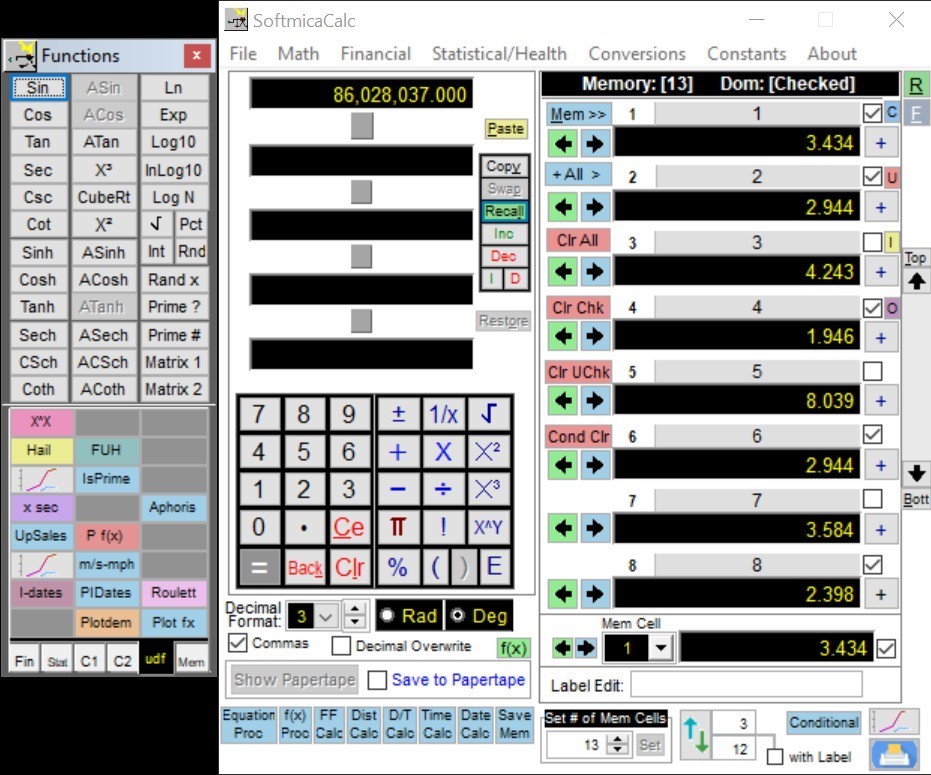
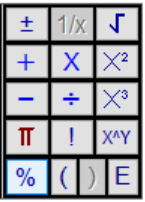
· Inverse or Complementary functions when you right-click on the following functions

1. Inverse function for square root is square
2. Inverse function for x squared is square root
(for positive values only)
3. Inverse function for x cubed is cube root
4. Inverse function for x^y (^) is the yth root of
x (~)
5. Inverse function for modulus (%) is quotient (:)
·
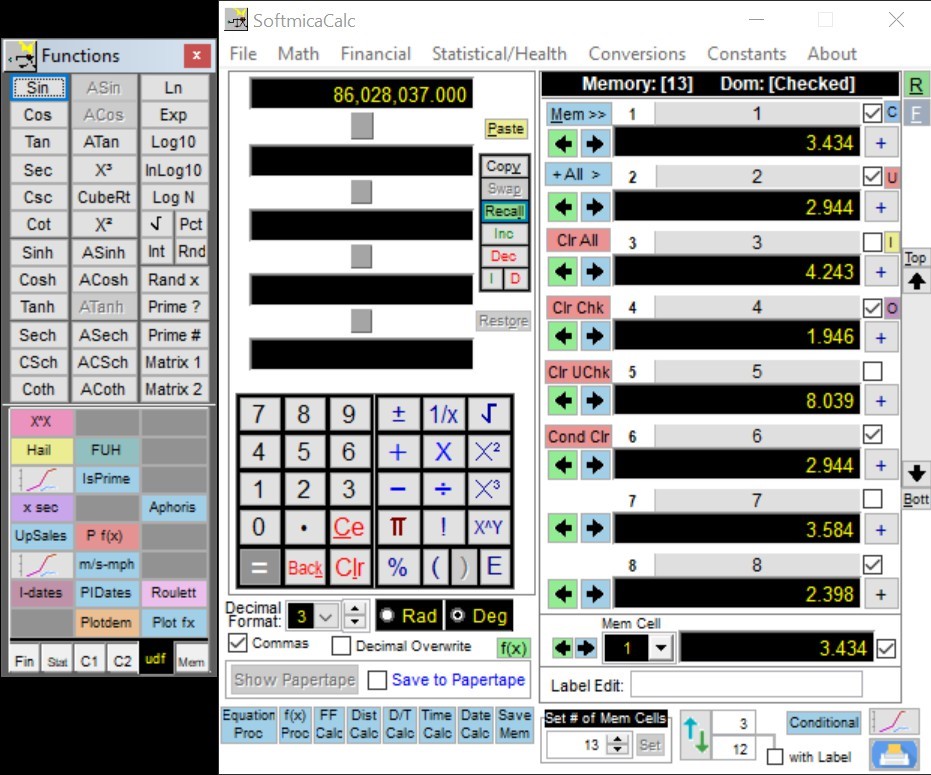
Top memory label always displays the number of
active memory locations displayed between brackets.

·
Time Calc values for number of countdown timer
seconds and chime auto-off seconds are now preserved. Auto-close on chime off is also selectable
and preserved.

·
The Drive Time display in the Distance Calc now
displays full driving day miles and last day (or only day) mileage.

·
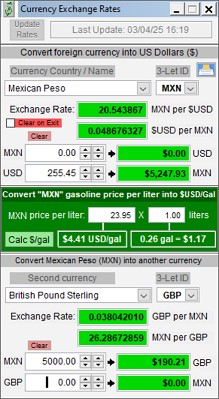
The Currency Conversion Calculator now displays
more digits to accommodate large values such as Bitcoin.

·
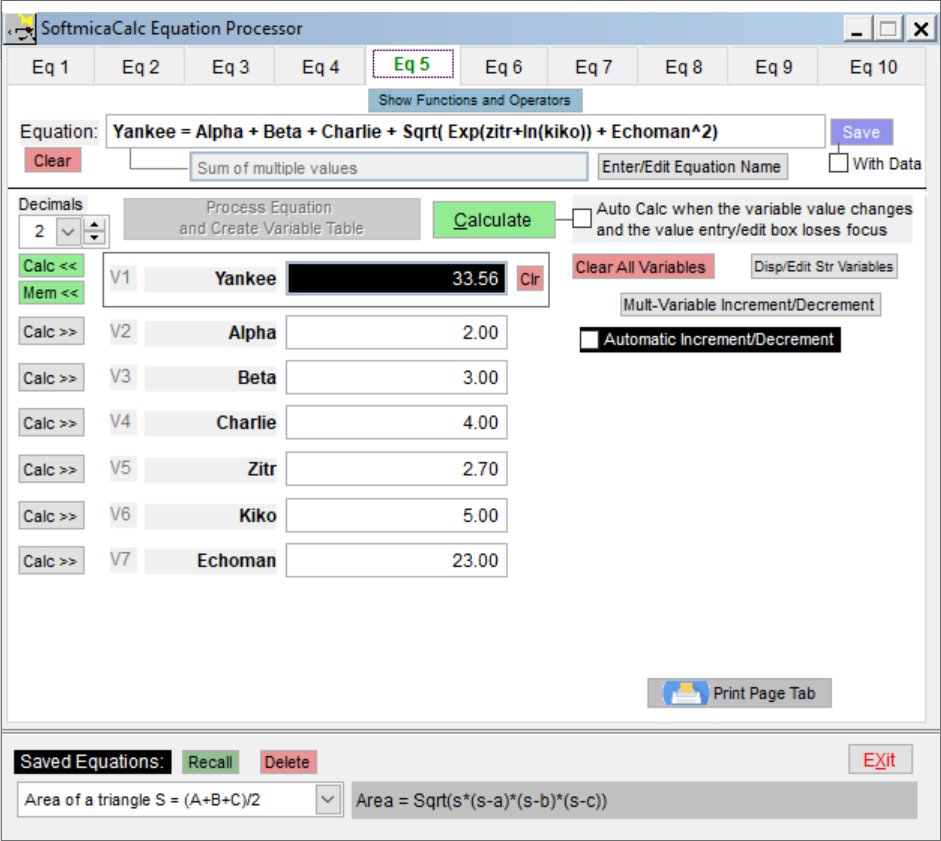
The Equation Processor now includes a
specialized button to speed integral evaluation where you are evaluating and
integral between two values which you enter in the appropriate variable field.

1.
Right-clicking the “Calc <<” button will perform
the current calculation and transfer the new result into the active calculator
calc level. This is analogous to the
first step in evaluating an integral.
2.
Clicking the [- c =]
button will select the minus operator in the calculator, then transfer the
result value into the active calc level and the press “=” to get the
result. This is analogous to the second
step in evaluating an integral. This
second step will yield the result of the integration. Right-clicking this button will perform the
calculation with any new variable values and then perform the “- c =” operations. Right-clicking [Calculate] will also perform
this operation.
3.
Right-clicking the [Mem <<] button will
perform the calculation before transferring the result into the next empty
memory location.