Mastering Your Schedule: The Ultimate Guide to Vis...
14 May, 2026

by admin
| 14 May' 2026
Managing time effectively is often the difference between a productive day and a stressful one. Whether you are a student tracking study sessions, a developer managing sprint cycles, or a professional calculating billable hours, having the right tools is essential. In this post, we’ll explore how three specialized tools—the Visual Time Calculator, the visual scientific calculator, and the Visual Date Time Calculator—can transform your workflow.
1. Why Use a Visual Time Calculator?
A Visual
Time Calculator is designed to handle the "messy" math of
hours, minutes, and seconds. Unlike standard calculators that use a decimal
system, these tools understand that 60 minutes equals one hour.
2. The Power of a Visual Scientific
Calculator
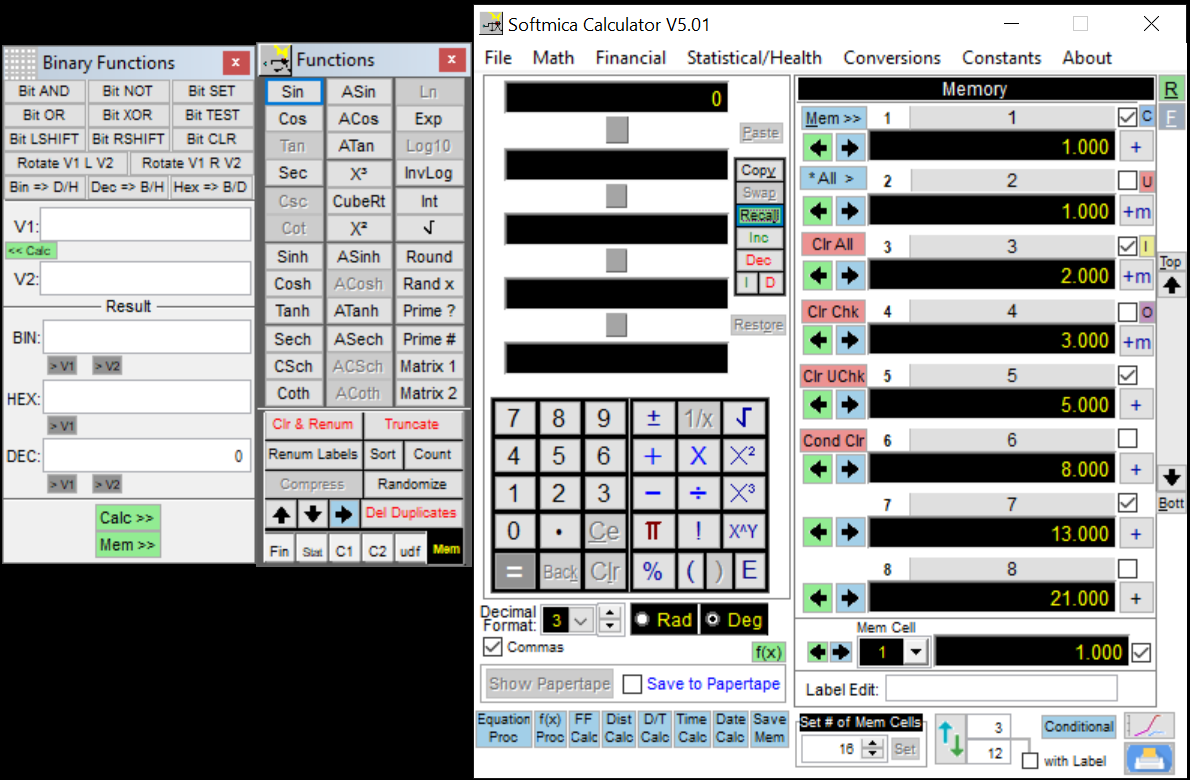
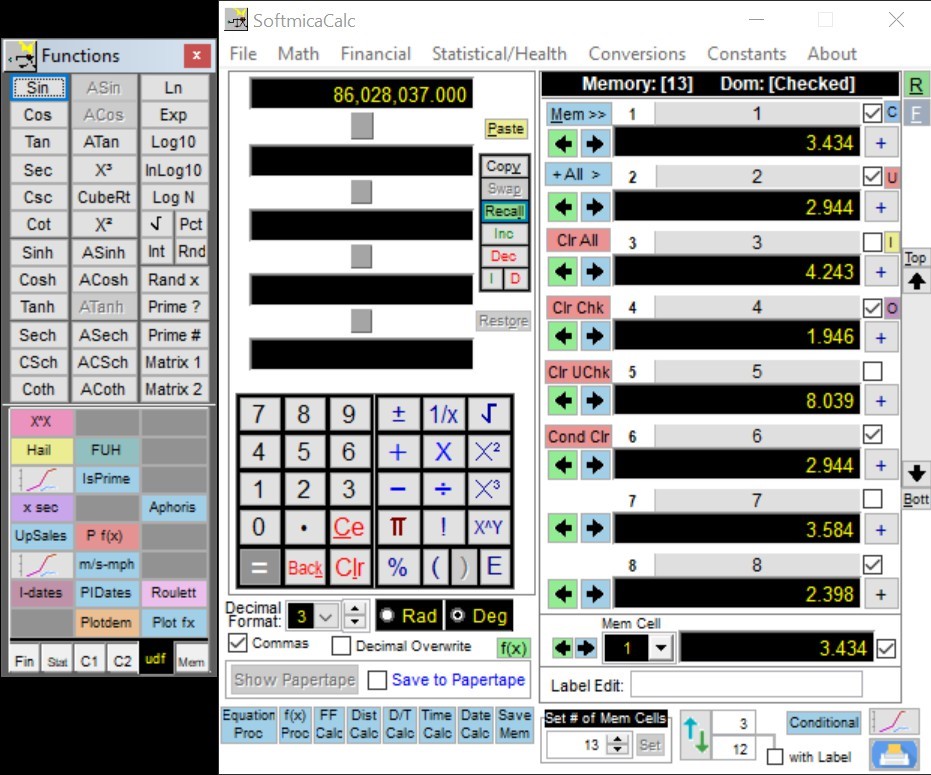
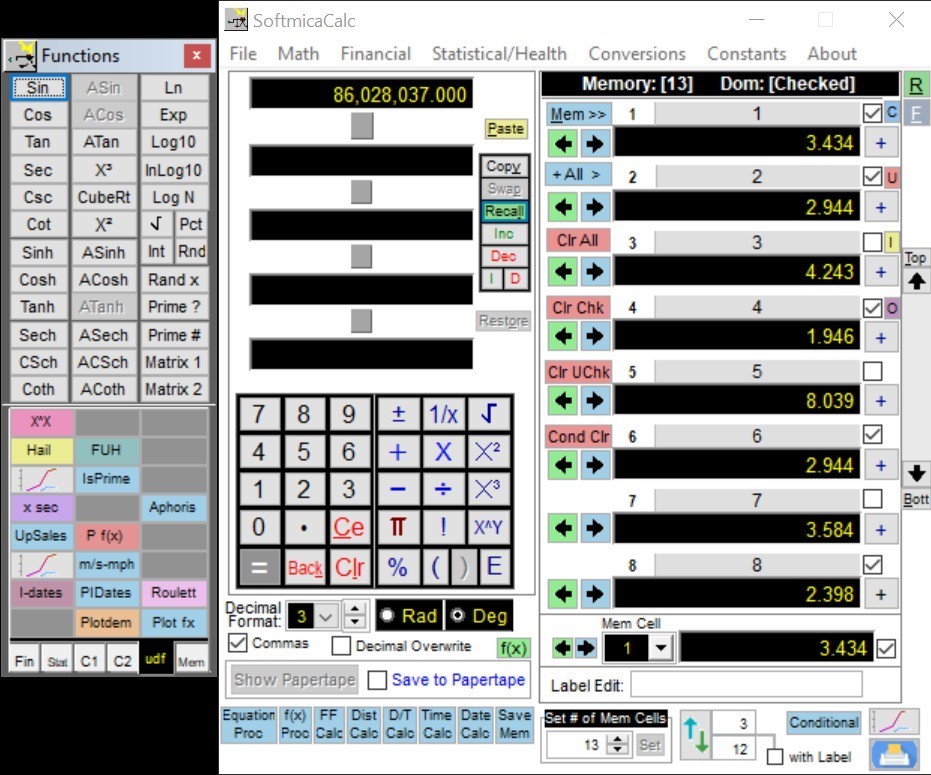
When your needs go beyond simple addition,
a visual scientific
calculator becomes your best friend. These are not just for
trigonometry and calculus; they are powerful engines for complex time-based
data.
3. Streamlining Dates with a Visual Date
Time Calculator
Sometimes you need to know more than just
"how many hours." You need to know "what date is 45 business
days from now?" This is where a Visual
Date Time Calculator shines.
·
Conclusion
·
By
integrating a Visual Time Calculator for daily tasks, a visual
scientific calculator for complex data, and a Visual Date Time
Calculator for long-term planning, you can eliminate guesswork and regain
control of your schedule.