Mastering Your Schedule: The Ultimate Guide to Vis...
14 May, 2026

by admin
| 27 Jan' 2026
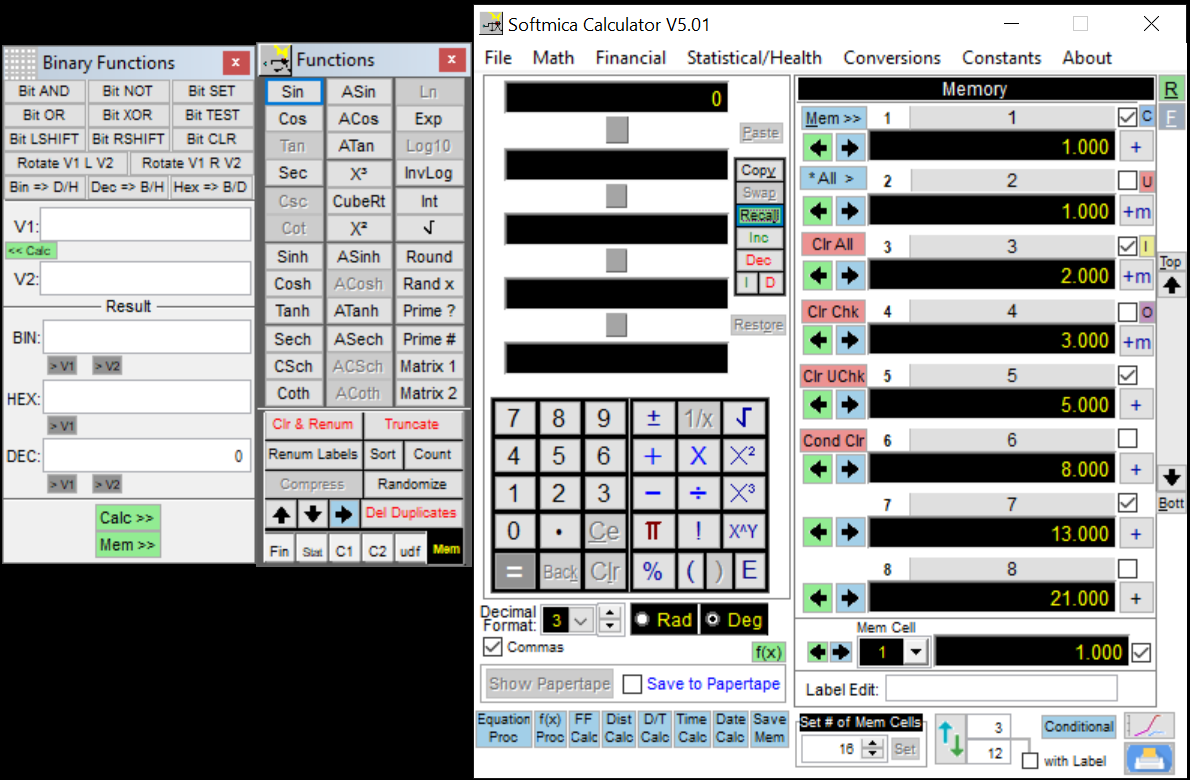
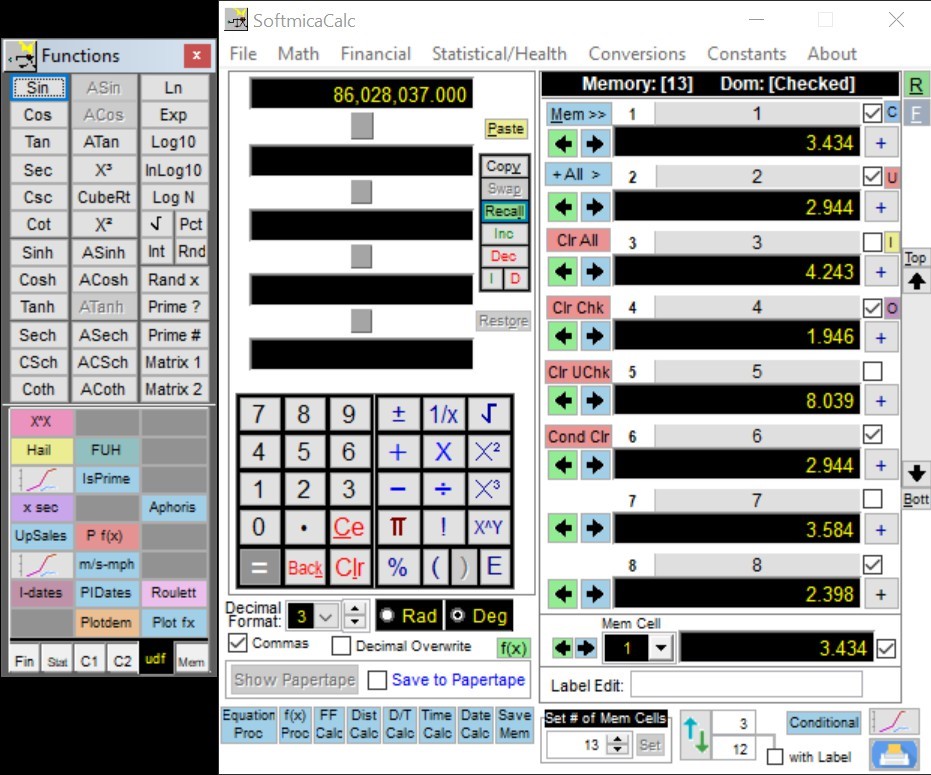
SoftMicacalc’s Conversion Functions calculator are designed as one-click unary actions. That means:
● You enter or bring a value into the active calculation level
● You choose a conversion from the Conversions menu
● SoftMicacalc instantly replaces the active value with the converted result
This approach feels natural because conversions work like a calculator function: apply it to the value you’re working with and keep going. And because it’s part of the same interface, conversions also work smoothly with SoftMicacalc’s memory system, paper tape/history, and formatting options.
Conversions are organized into clear categories so you don’t waste time searching:
● Temperature
● Distance/Length
● Speed (Velocity)
● Weight
● Volume
● Area
● Time
● Base
● TriG
● Energy
● Force
● Pressure
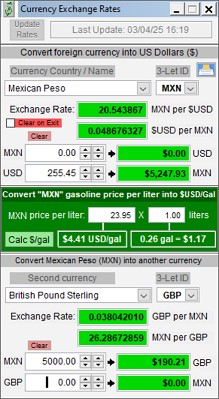
● Currency
Each category opens a structured list of conversion directions. In most cases, conversions are bi-directional, so you can go both ways—like miles to kilometers and kilometers to miles—without hunting for a second tool.
Some conversions are simply universal. SoftMicacalc includes the staples that come up again and again:
Convert between Fahrenheit, Celsius, and Kelvin using direct menu options like:
● Fahrenheit → Celsius
● Celsius → Kelvin
● Kelvin → Fahrenheit
Switch between common measurements with options such as:
● Miles ↔ Kilometers
● Feet ↔ Meters
● Inches ↔ Centimeters
● Yards ↔ Feet / Inches / Meters
…and more combinations that cover the majority of practical scenarios.
This is extremely useful for transportation, sports, and physics problems:
● mph ↔ kph
● mph ↔ fps
● mph ↔ meters/sec
● meters/sec ↔ miles/sec
SoftMicacalc even includes multiple speed formats so you can match the unit style your work requires.
Whether you’re doing shipping, nutrition calculations, or physics:
● lbs ↔ kg
● oz ↔ gram
● lb ↔ oz
You’ll also find force-related weight conversions like lbs ↔ N and kg ↔ N in the Weight set, bridging real-world mass/weight and physics workflows.
Perfect for cooking, lab work, and product measurement:
● Gallons ↔ Liters
● Quarts ↔ Liters
● Ounces ↔ ml
● Cubic Inches ↔ Liters
The goal is to make common conversions immediate and reliable.
If you work with land, property, building plans, or academic geometry:
● Square feet ↔ Square meter
● Acre ↔ Square feet
● Square mile ↔ Square KM
● Acre ↔ Square mile
Time conversions deserve special attention because they often appear in schedules, payroll calculations, productivity tracking, and science problems.
SoftMicacalc includes direct options like:
● Hours ↔ Minutes
● Minutes ↔ Seconds
● Days ↔ Years
● Seconds ↔ Days / Years
It also supports the practical “time-format” conversions:
● hh.mm → minutes (CTRL+M)
● minutes → hh.mm (CTRL+H)
These shortcuts are perfect when you’re converting logged time into minutes for totals—or converting totals back into hour format for reporting.
SoftMicacalc goes beyond everyday conversions and includes categories that are extremely valuable for technical users:
● Decimal ↔ Hex
● Decimal ↔ Binary
Great for programmers, embedded work, and troubleshooting values in different formats.
● Radians ↔ Degrees
● Polar ↔ Rectangular
● Rectangular ↔ Polar
This is especially useful in math, physics, and engineering contexts where coordinate systems and angle units must be switched reliably.
Includes a rich set of conversions such as:
● Watt ↔ Hp
● KW ↔ Hp
● Joule ↔ Ft-lb
● Btu ↔ Watt-hr
● Btu ↔ Kw-hr
● Joule ↔ eV
● Btu ↔ Cal / Kcal
This category alone can save huge time if you work with power, heat, or energy calculations.
● N ↔ lbf
● N ↔ kgf
● Dyn ↔ N
● Kip ↔ N
These are practical for mechanical and physics workflows.
● Bar ↔ PSI
● inHg ↔ PSI
● hPa ↔ inHg
● inHg ↔ millibar
Useful for engineering, HVAC, weather interpretation, and lab work.
Download now and subscribe to streamline your calculation workflow.
A well-designed Conversion Functions calculator eliminates unnecessary steps, reduces errors, and keeps calculations moving forward. By treating conversions as functional actions rather than interruptions, it supports both everyday tasks and advanced technical work with equal efficiency.
This power-tool approach transforms unit conversion from a chore into a seamless part of problem-solving.